
Push-to-Start Smart Keys: How They Work and What to Do When They Fail
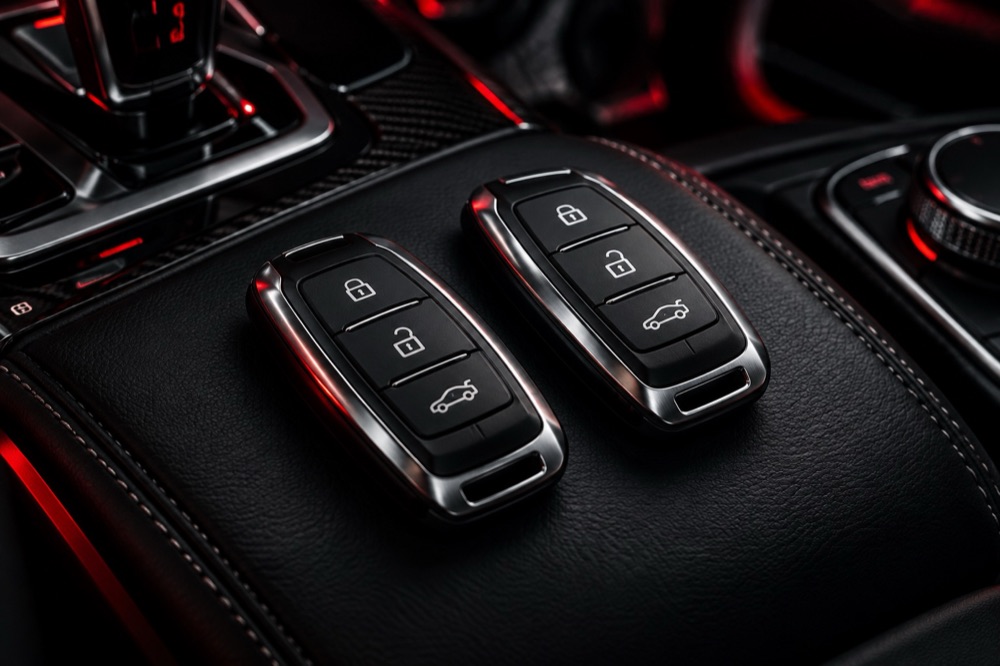
Push-to-start is one of those conveniences you stop thinking about until the day the dash says “key not detected” and the engine won’t turn over. The good news is that many of these failures have simple causes. The less good news is that some of them point to a problem in the car, not the key, and guessing wrong can waste time and money.
Here is how smart keys work in general terms, what you can check yourself, and when it makes sense to have the system looked at.
How proximity detection works
A smart key is a small radio device. When you touch a door handle or press the start button, the car sends out a low-frequency signal from antennas placed around the doors, cabin and trunk. A key within range wakes up and answers with an encrypted reply. If the car’s security module recognizes that reply, it unlocks the doors or allows the engine to start.
Because the system depends on the key being physically inside the cabin, where you leave it matters. A key in a back pocket, a metal case, or deep in a bag on the rear floor can sometimes fall outside the zone the car is looking at.
The usual suspect: a weak key battery
The most common cause of “key not detected” is a coin-cell battery that is getting tired. Range often shrinks first, so you may notice you have to be closer to the car to unlock it before it stops working entirely. Replacing the battery with the correct type is a sensible first step.
Most manufacturers also provide a backup way to start the car when the key battery is dead. On many models you hold the key against a marked spot on the steering column, start button or console so the car can read it at very short range. The exact location and steps differ by brand and year, so check your owner’s manual rather than guessing.
Interference and other outside causes
Radio interference can briefly confuse a smart key system. Phones, wireless chargers, dash cams, power inverters and some parking-garage or commercial transmitters have all been known to cause trouble in certain situations. If the problem only shows up in one place, or goes away when you move the key away from your phone, interference is worth considering.
A low car battery can cause similar symptoms. When vehicle voltage drops, modules may not wake up reliably, and the warning on the dash can blame the key even though the key is fine.
When the problem is the car, not the key
If a fresh battery doesn’t help, your spare key also fails, or the backup start method doesn’t work, the fault may be in the vehicle. Damaged antennas, wiring issues, a failing start button, or a problem in the security or body control module can all produce “key not detected” messages. At that point the right move is a proper diagnosis with a scan tool rather than buying a new key and hoping.
Keys can also fail on their own after a drop or water exposure. Depending on the vehicle, a replacement key may need to be programmed to the car before it will work.
Why keeping a working spare matters
On many modern vehicles, adding a key while you still have one that works is simpler than starting from scratch after losing them all. If you are down to a single smart key, it is worth adding a spare before it becomes urgent. Whether a key can be added, and how, depends on the make, model and year.
What to have ready when you call
If your smart key is acting up in Plano or anywhere around DFW, have the year, make and model ready, along with the VIN if you can find it. Let us know whether the spare works, what message appears on the dash, and whether you have already replaced the key battery. For key and security work, we will need proof of ownership and a photo ID.
Give Top Coding a call at (561) 215-6048 and we can talk through what you are seeing and what the next step should be for your vehicle.