
Chevrolet and GMC Key Fob Programming: What Owners Should Know
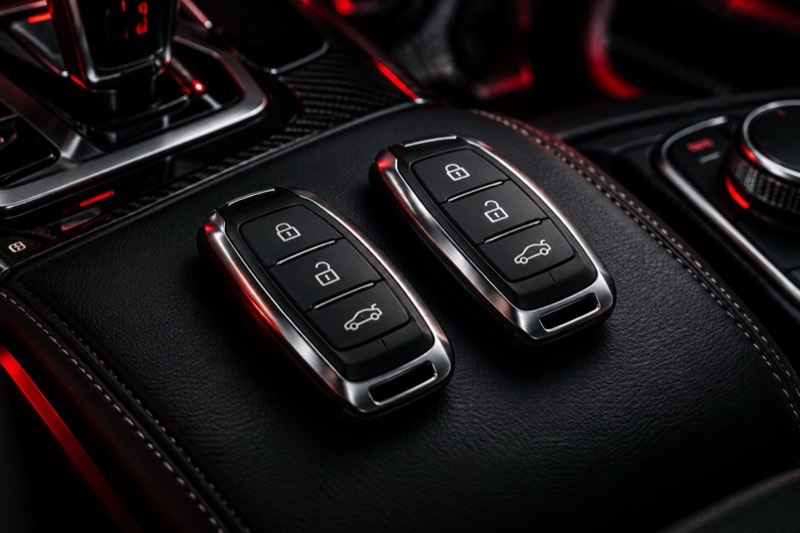
Chevrolet and GMC trucks and SUVs are everywhere in Plano and across DFW, and so are questions about their keys. One owner needs a spare for a work truck, another has lost the only key to a family SUV, and a third just bought a fob online and wants to know why it won’t start the vehicle.
The short answer is that GM has used several different key systems over the years, and the right approach depends on which one your vehicle has. Here is a plain-language overview of what to expect.
Transponder keys on older and base models
Many older Chevrolet and GMC vehicles, and some base trims for a number of years after, use a metal blade key with a transponder chip in the head. The chip talks to the vehicle’s immobilizer when you turn the ignition. If the chip isn’t recognized, the engine may crank but not run, or not crank at all, depending on the system.
Cutting the blade is only half the job. The new chip has to be learned by the vehicle so the immobilizer accepts it. On some of these systems that is straightforward with the right tools; on others it involves security wait times built into the system.
Remote keys and flip keys
Later generations combined the blade, transponder and lock/unlock buttons into one remote head key or flip key. These are really two parts in one housing: the transponder that lets the engine start and the remote that operates the locks. Each part may need its own programming step, and it is common to find a key whose buttons work but which won’t start the vehicle, or the other way around.
Smart keys for push-button start
Many newer Chevrolet and GMC models with push-button start use a proximity smart key. The vehicle detects the fob nearby, so you can unlock the doors and start the engine without inserting anything. These keys are matched to the vehicle electronically, and adding one usually requires communicating with the vehicle’s modules through the diagnostic port.
Depending on the model and year, the process may require dealer-level or professional programming equipment and, on some vehicles, online security access. That is one reason a fob bought online doesn’t always work: it has to be the correct part for the vehicle, and some fobs cannot be reused once they’ve been programmed to another vehicle.
Adding a spare vs. all keys lost
Adding a spare while you still have a working key is generally simpler. The vehicle is accessible, and on many models the existing key is part of the process.
When every key is lost, the job is more involved. The vehicle may need to be opened without a key, a new key cut by code or decoded from the lock, and the immobilizer set up to accept new keys. On some vehicles this means working with the security module directly. It is still usually possible, but it takes more time, so having a spare made before you lose your last key is worth considering.
Why we don’t share DIY programming steps
You may find online instructions for programming GM keys with a series of ignition turns or button presses. Some older vehicles did have onboard procedures, but they vary by model and year, and following the wrong one can leave you with a key that doesn’t work or a vehicle stuck in a security lockout. On many current models, there is no onboard procedure at all, and equipment is required. If you’re unsure which system you have, it’s better to ask first.
What to have ready when you call
Have the year, model and trim, your VIN, and whether you have any working keys. If you already bought a fob, keep the packaging and part number so we can check whether it is compatible. For security work we need proof of ownership and a photo ID. Call Top Coding at (561) 215-6048 and we’ll tell you what your Chevrolet or GMC needs and whether we can handle it for your specific vehicle.